How to Loop a Section of a YouTube Video
To loop part of a YouTube video, open Web Video Looper, paste the video URL, set the start (A) and end (B) points with the slider, and press Play — the section repeats automatically. Free, no extension needed, works on mobile too.
Step-by-step guide
Open the tool
Go to Web Video Looper (web-video-looper.com). No installation, browser extension, or sign-up is required.
Paste the YouTube URL
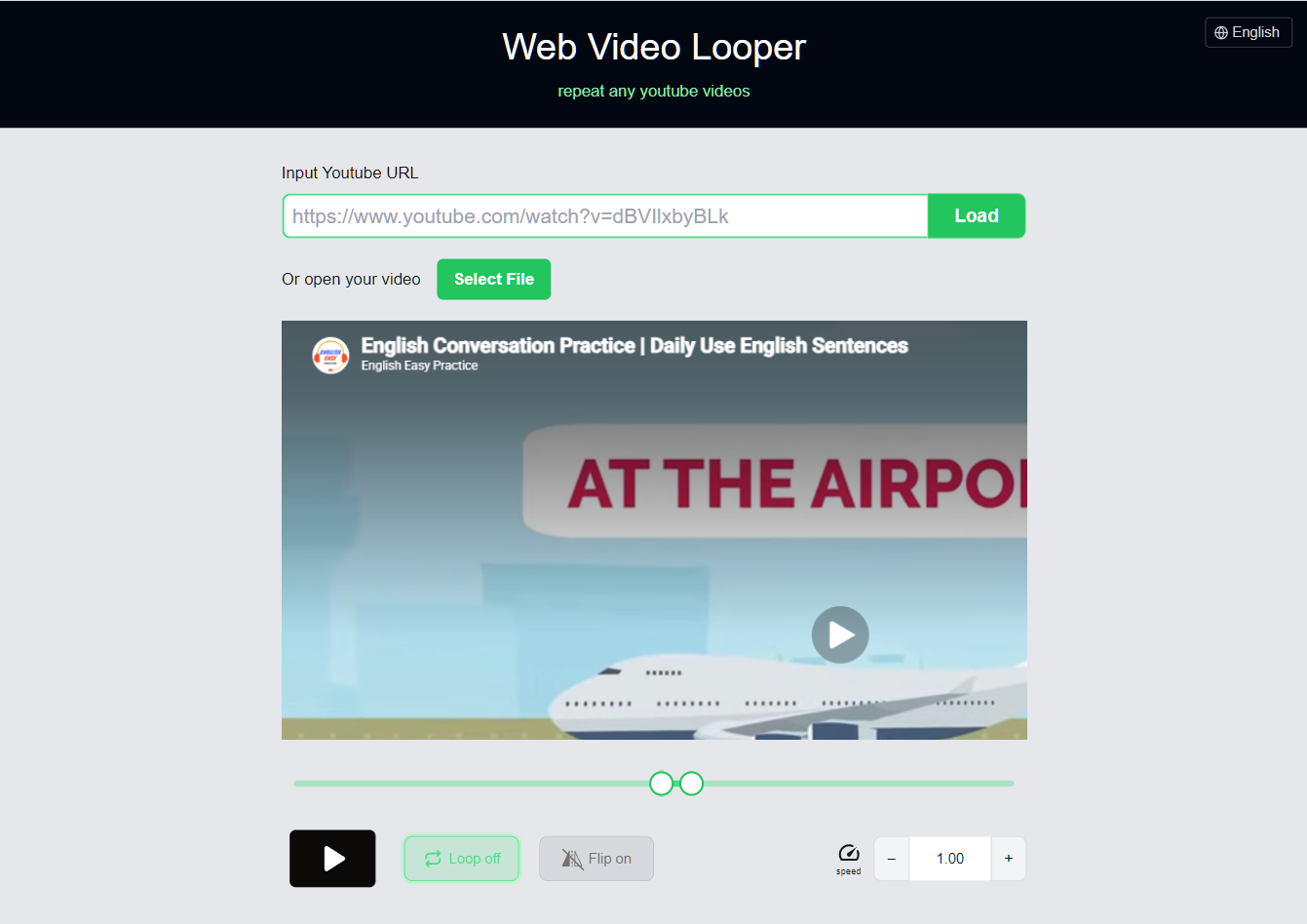
Copy the URL of the YouTube video you want to loop, paste it into the input bar, and click "Load". For local video files, use the "Select File" button instead.

Set the loop range with the slider
Drag the left and right handles on the slider to roughly set the start (A) and end (B) points of the loop. Press the Play button to preview the section.

Fine-tune the A and B points
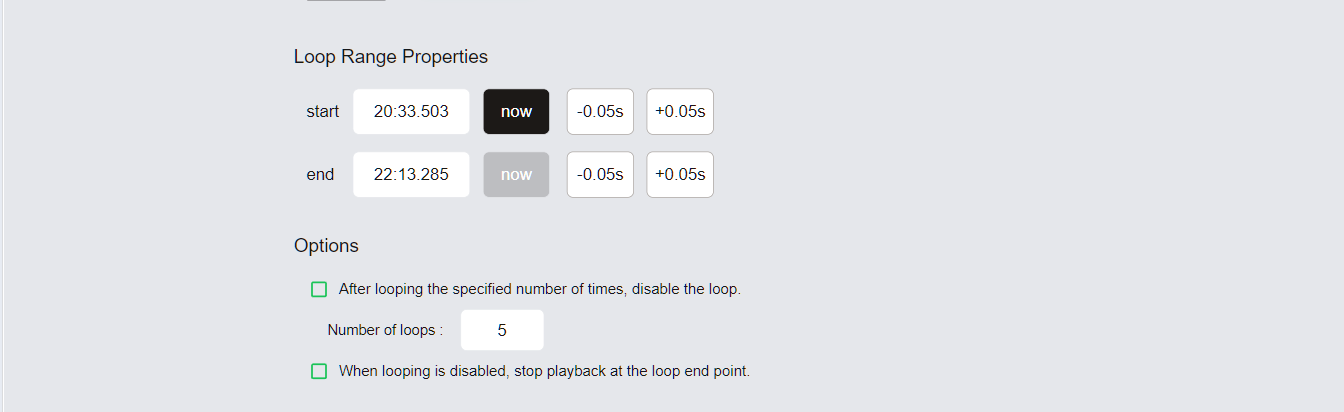
In the Loop Range section, click "now" to snap a point to the current playback position. Use the "±0.05s" buttons to nudge each point with 0.05-second precision. The Options panel lets you set a maximum loop count.
Save or share your loop
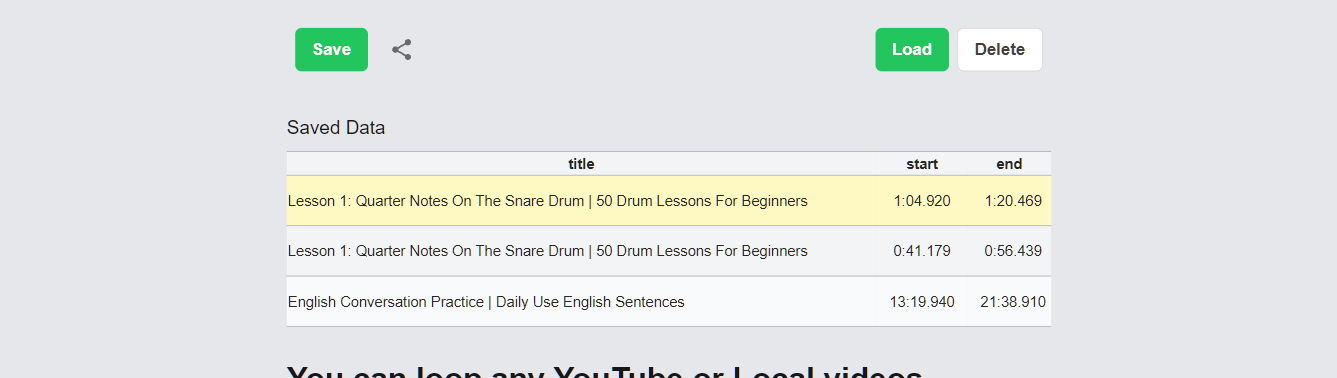
Click "Save" to store the loop in your browser — it appears in the Saved Data list for quick access. Use the share button to copy a URL that restores the video, A-B points, and speed settings for anyone who opens it.
Tips for precise loops
- Use the slider for a rough range first, then dial in with the ±0.05s buttons.
- Lower the playback speed to place points accurately inside fast passages.
- Turn on the loop-count option in Options to stop automatically after a set number of repeats.
Frequently Asked Questions
- Can I loop part of a YouTube video without an extension?
- Yes. Web Video Looper runs in your browser, so you can loop any A-B section of a YouTube video without installing an extension or app.
- How do I loop just a few seconds of a video?
- Set the A and B points close together using the slider or the "now" buttons, then fine-tune with the ±0.05s buttons for precision.
- Can I share a link to a specific loop?
- Yes. The share button generates a URL that restores the video, the A-B points, the playback speed, and the flip setting for whoever opens it.